Best Retail Software Development Firms for Omnichannel Commerce
 Nickie Louise
Posted On October 12, 2026
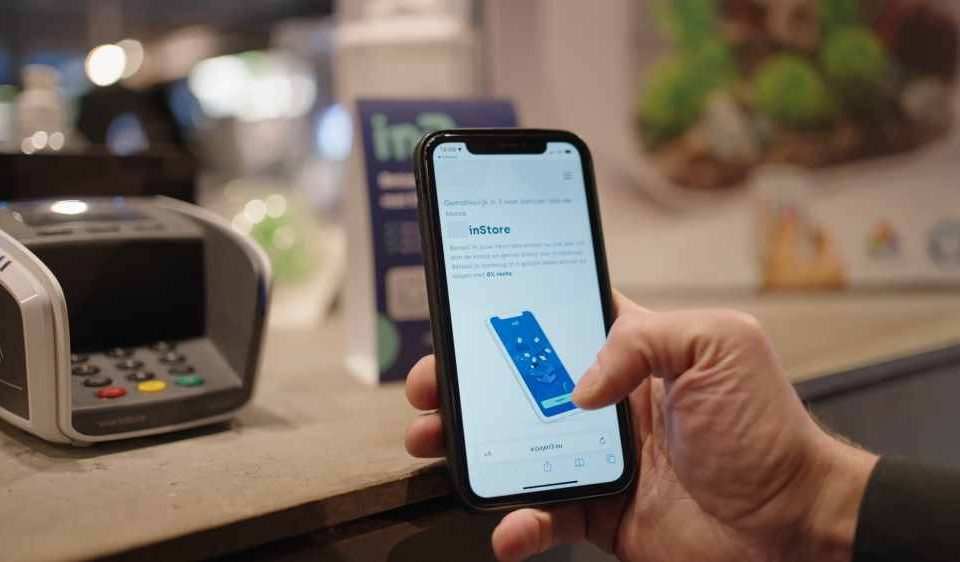
An online order looks simple from the customer’s side. Pick a product, pay, choose delivery or pickup. Behind it, the retailer may be checking a warehouse, two stores, an ERP, a payment service, and a separate order system before the confirmation page even appears.
Most retail stacks were not designed all at once. That fragmentation is one reason retailers keep investing in platforms designed to manage inventory and sales across several channels. A POS system was already there. Ecommerce arrived later. Loyalty got added after that. Retailers are increasingly trying to connect those online and in-store systems into a single omnichannel operation.
That is the real omnichannel problem. Not “having several channels,” but keeping the same order, customer, price, and stock position intact while those channels keep handing data to one another.
1. Geniusee
Suppose a retailer wants a new mobile app. Fine. The app itself may not be the difficult part.
It still needs product data from somewhere. Stock probably lives somewhere else. Customer history may come from a CRM. A store pickup order has to reach the correct location, reserve the item, survive a cancellation, and then update the customer account when the purchase is completed.
Geniusee works around that layer through its retail software development services. The project can involve customer-facing software, but it can just as easily be the systems behind it or the connections between software the retailer already uses.
A retailer can find a stock problem in the stupidest possible way: somebody buys the last pair online while a cashier is already scanning it in a store. Nothing has crashed. The website simply got the update a few seconds too late. Add a pickup reservation, an ERP with its own quantity, and suddenly there are three answers to a very basic question: is the item still there?
Returns create a different mess. A return can expose how disconnected the systems really are. The store accepts the item, but the refund may be recorded before stock is corrected, while loyalty points stay untouched until another system catches up. Pricing causes the same kind of friction when the website has a newer offer than the POS.
Internal tools are not always simple either. A screen that only shows sizes or sends a stockroom request may still depend on live inventory, product data, and whatever store software is already in place. If one feed is late, the screen can look completely fine while giving the wrong answer.
2. Itransition
Usually, a few systems are hard to touch.
Maybe the ERP is old, but finance depends on it. The POS is ugly, but every store knows how to use it. Product feeds arrive from suppliers in several formats. The warehouse system is being replaced, just not this year. Even basic POS and e-commerce integration can involve inventory, orders, returns, and customer data moving between systems
Then somebody asks for an omnichannel.
At that point, development is mostly about changing one piece without knocking the rest offline.
Old and new systems may have to run side by side for a while. Orders cannot disappear while records are being moved. Product IDs do not always match. Customer history may have gaps. Store inventory can update on a different schedule than e-commerce, even though real-time inventory visibility is a foundation of omnichannel retail.
Itransition has experience with custom retail systems and larger platforms used around commerce, CRM, ERP, inventory, and store operations. Projects in that environment can involve things such as:
- Mapping old records into a new data model;
- Keeping transactions running during migration;
- Connecting ecommerce with supplier or warehouse systems;
- Fixing duplicate product information;
- Replacing one integration while leaving the rest of the stack alone.
Itransition works with custom retail software as well as platforms used around ERP, CRM, commerce, inventory, and store operations. The project can therefore include software that stays untouched next to another component being replaced completely.
A lot of migration work happens in details nobody sees. Two systems may call the same field by different names. A product ID used by the warehouse may not match the one stored in ecommerce. Historical orders can be complete in one database and missing fields in another.
That work can be painfully mundane. Teams may spend days agreeing on which database owns a single field before anyone touches the page that uses it.
3. Vention
Vention fits a different situation: the retailer already has technical leads, product managers, and an architecture it doesn’t plan to replace.
The problem is capacity.
Checkout is being rebuilt. Mobile is behind schedule. A payment migration has suddenly become urgent. Backend engineers are busy with customer accounts, and QA is now involved in three releases at once.
Vention fits that kind of project differently. That lets a retailer add engineers to a checkout team, mobile team, or backend stream without handing over the whole commerce stack.
That may mean backend help for one part of the year and mobile engineers for another. Or additional QA while several connected systems are changing at once.
The model depends heavily on the retailer knowing what it wants built. More engineers do not fix unclear ownership, bad architecture, or five teams making conflicting decisions.
4. ScienceSoft
Order routing can get ugly fast. The nearest warehouse may have stock but still be the wrong choice once you factor in shipping costs. A closer store might be holding its last few units for walk-in demand, while another location has stock but a queue of pickup orders. The customer chooses next-day delivery.
Now multiply that by several regions. ScienceSoft tends to show up in that back-office layer, where inventory, routing, integrations, reporting, and infrastructure all touch the same transaction. A small rule change can spill into several operational teams.
Large environments also make migration slower.
An old system may stay live while only part of the traffic moves to a replacement. Historical orders must remain accessible. Some integrations are replaced immediately. Others survive for months because another department still depends on them.
The risk is spread across the business. A bad stock update reaches the storefront. A routing issue reaches fulfillment. A payment problem reaches support and finance before developers have finished reading the logs.
Nothing about that requires a flashy interface.
Before You Pick a Firm
Do not start with a vendor deck. Start with one real order. Trace one purchase from product page to payment, fulfillment, and return. Write down every system that reads or changes the order. Then repeat the exercise for pickup, cancellation, and an in-store return.
A few questions usually expose the actual work:
- Which system owns inventory;
- Where product information is edited first;
- How quickly stores and e-commerce exchange stock data;
- Whether online purchases are visible at the POS;
- Who owns pricing and promotion rules;
- How orders are routed when several locations have stock;
- Which old system is staying no matter what.
Follow one order far enough, and the shiny part of the project can disappear very quickly. You find a stock feed running late, a return that needs manual fixing, or an old POS connection patched so many times nobody wants to touch it again.