
5 AI Tools That Can Practically Run Your Business in 2026
 Daniel Levi
Posted On February 27, 2026
Daniel Levi
Posted On February 27, 2026

Since the release of ChatGPT in November 2022, generative AI has driven a surge in innovation, widespread corporate adoption, and measurable productivity gains, including an estimated 1.3% increase in labor productivity, according to a Stanford study.
In a remarkably short time, what once felt like distant science fiction has become a daily tool across classrooms, startups, and enterprise workflows. Businesses didn’t just gain a more capable AI assistant. They gained a new kind of digital collaborator that is beginning to reshape how routine work gets done.
Artificial intelligence is not replacing human judgment anytime soon. But inside many organizations, it is already taking over entire categories of repetitive operational work, from scheduling and research to internal documentation and workflow coordination.
Tasks that once required multiple employees — including scheduling, meeting documentation, competitive monitoring, and internal research — can now be handled by a carefully selected AI stack. For small and midsize businesses in particular, that shift is changing how teams operate and scale.
AI is not a set-it-and-forget-it replacement for human judgment. Most businesses still benefit from oversight on customer-facing, financial, and strategic decisions. But for routine operations, scheduling, research, and internal workflows, today’s AI tools can already shoulder a meaningful share of the workload.
Below are five AI platforms businesses are using in 2026 to streamline operations, reduce manual work, and improve execution speed.
Top 5 AI tools to run your business on autopilot and scale efficiently in 2026
1. ChatGPT — The Business Brain

What it helps with: drafting, research, analysis, customer communications
Best for: teams of all sizes
ChatGPT remains one of the most versatile AI assistants available to businesses. Companies are using it daily to draft emails, summarize documents, generate marketing copy, analyze data, and support internal knowledge workflows.
As of 2026, ChatGPT’s advanced reasoning and voice capabilities have expanded its usefulness across departments. Features like deep research and improved voice interaction are making it increasingly effective as a day-to-day digital sidekick for summarization, coding assistance, and structured brainstorming.
Even so, most organizations still keep a human review step in place for customer-facing or high-stakes outputs.
Real business use cases
-
Drafting customer support responses
-
Creating marketing and product copy
-
Summarizing reports and documents
-
Brainstorming campaigns and strategies
Pricing reality: A free tier is available; advanced capabilities require paid plans.
Limitation: Outputs still require human review for accuracy and brand alignment.
2. Lindy.ai — Executive AI Assistant
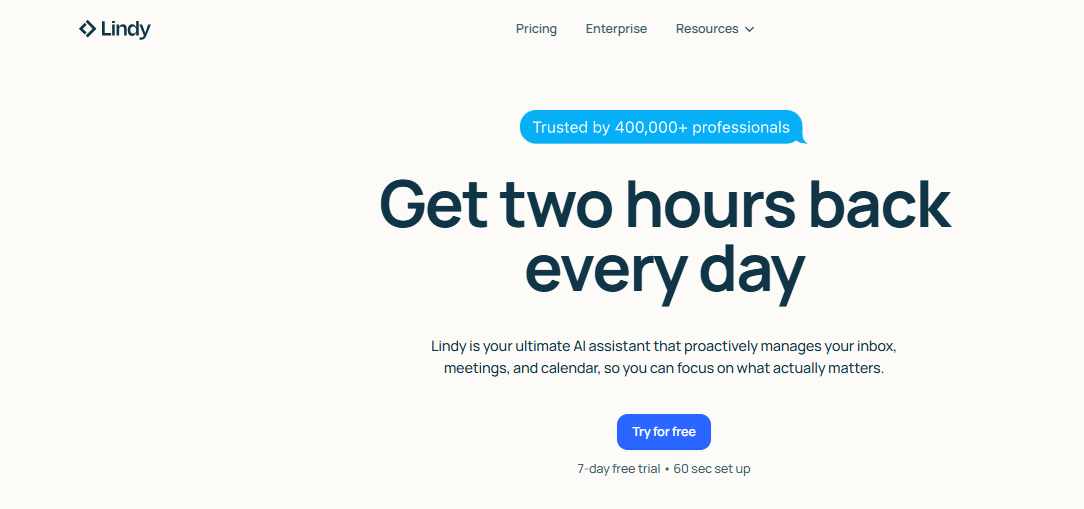
What it helps with: delegated workflows, multi-step task automation
Best for: operations teams and growing businesses
Lindy represents the newer wave of agent-style AI tools that aim to do more than generate text. The platform allows businesses to create custom AI agents that can execute sequences of tasks across tools and workflows.
Teams are beginning to use Lindy to automate specialized operational processes, reducing the need for manual coordination across systems.
Real business use cases
-
Automating internal task workflows
-
Handling multi-step administrative processes
-
Coordinating cross-tool actions
-
Supporting operations teams
Pricing reality: Usage-based and tiered plans.
Limitation: Still evolving; requires thoughtful setup and monitoring.
3. Motion — AI Productivity Scheduler
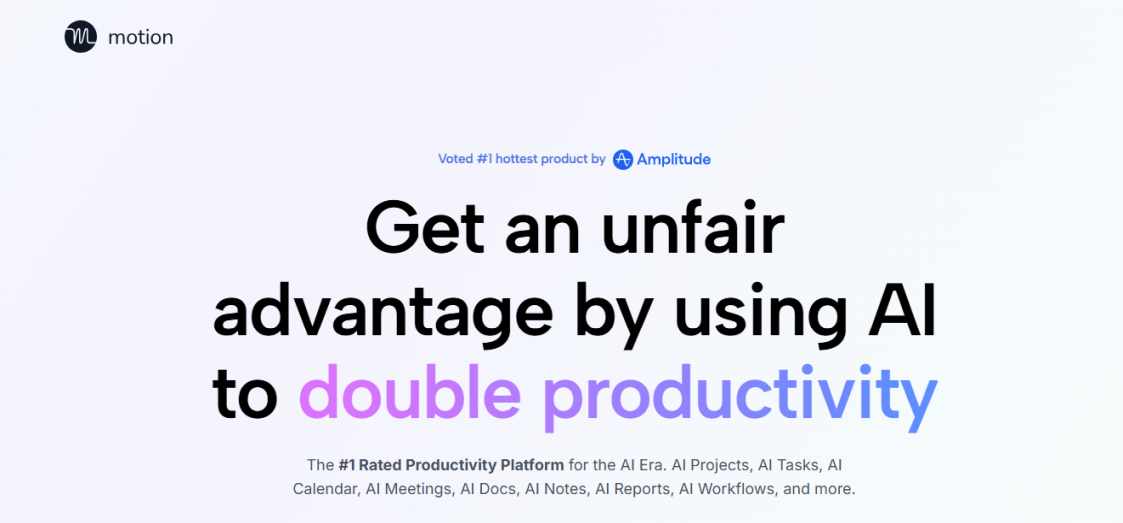
What it helps with: time blocking, task prioritization, calendar optimization
Best for: busy teams and managers juggling competing priorities
Motion focuses on one of the biggest hidden productivity drains inside businesses: calendar chaos.
The platform analyzes tasks, deadlines, and priorities, then automatically builds and adjusts schedules in real time. Instead of manually planning each day, teams can rely on Motion to continuously rebalance workloads as conditions change.
Real business use cases
-
Automatic daily and weekly scheduling
-
Dynamic time blocking for teams
-
Deadline-aware task planning
-
Reducing context switching
Pricing reality: Subscription-based.
Limitation: Works best when fully integrated into the team’s workflow habits.
4. Zapier AI — The Automation Backbone
What it helps with: cross-app automation, workflow orchestration
Best for: businesses running multiple SaaS tools
Zapier has long been the connective tissue between business applications, and its AI enhancements are making automation more accessible to non-technical teams.
Companies are using Zapier AI to build natural-language workflows that automatically move data between CRMs, email platforms, support tools, and internal systems. For many organizations, this is where meaningful time savings begin to compound.
Real business use cases
-
Routing leads into CRM systems
-
Triggering automated follow-ups
-
Syncing data across platforms
-
Connecting AI outputs to business workflows
Pricing reality: Tiered plans based on task volume.
Limitation: Complex workflows still require careful configuration.
5. Fireflies.ai — Meeting Intelligence Assistant
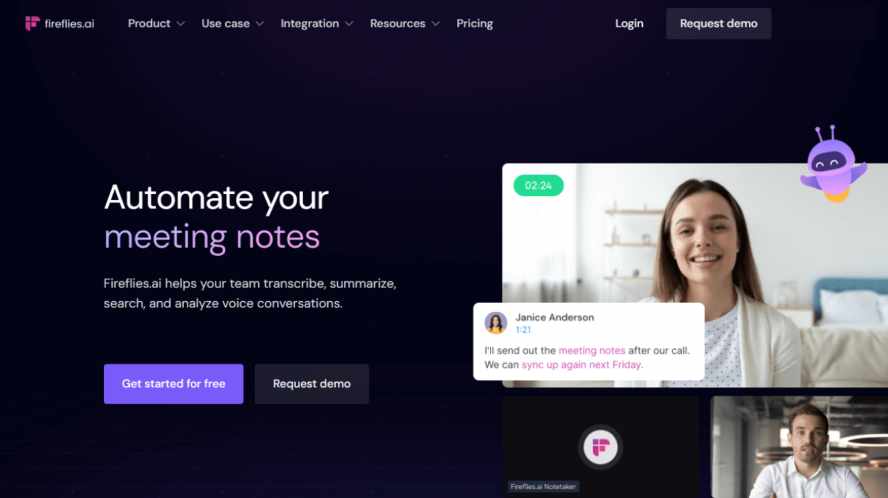
What it helps with: meeting recording, transcription, and action tracking
Best for: meeting-heavy organizations and client-facing teams
Meetings remain a major source of lost time and fragmented information inside businesses. Fireflies.ai addresses this by automatically recording, transcribing, and summarizing conversations across platforms like Zoom and Google Meet. The company has drawn attention in recent years, including coverage by TechStartups on its MIT-rooted founding story.
Teams use it to capture decisions, extract action items, and maintain searchable meeting history without manual note-taking.
Real business use cases
-
Automatic meeting transcription
-
Action item extraction
-
Searchable conversation archives
-
CRM and workflow integrations
Pricing reality: A free tier is available with paid upgrades.
Limitation: Accuracy can vary slightly depending on audio quality and speaker clarity.
Honorable Mentions: The AI Brain Behind Modern Businesses
While the tools above focus on execution and automation, another class of AI platforms is reshaping how businesses research, write, and make decisions.
Claude

Best for: long-form writing, document analysis, and high-context reasoning
Claude has become a go-to tool for teams that work heavily with long documents and nuanced written content. Businesses use it to draft reports, review policies, analyze research packets, and generate structured long-form material without losing coherence over extended inputs.
One of its distinguishing features is its ability to maintain context across large files, which makes it particularly useful for legal, research, and content-heavy workflows. Many teams also rely on Claude’s interactive workspace capabilities to iterate on documents, code snippets, and structured outputs in real time.
Where it fits: deep analysis, policy drafting, research synthesis
Watch out for: still requires human validation for high-stakes outputs
NotebookLM
Courtesy: Google
Best for: internal research, knowledge synthesis, podcasting, presentation, and document intelligence
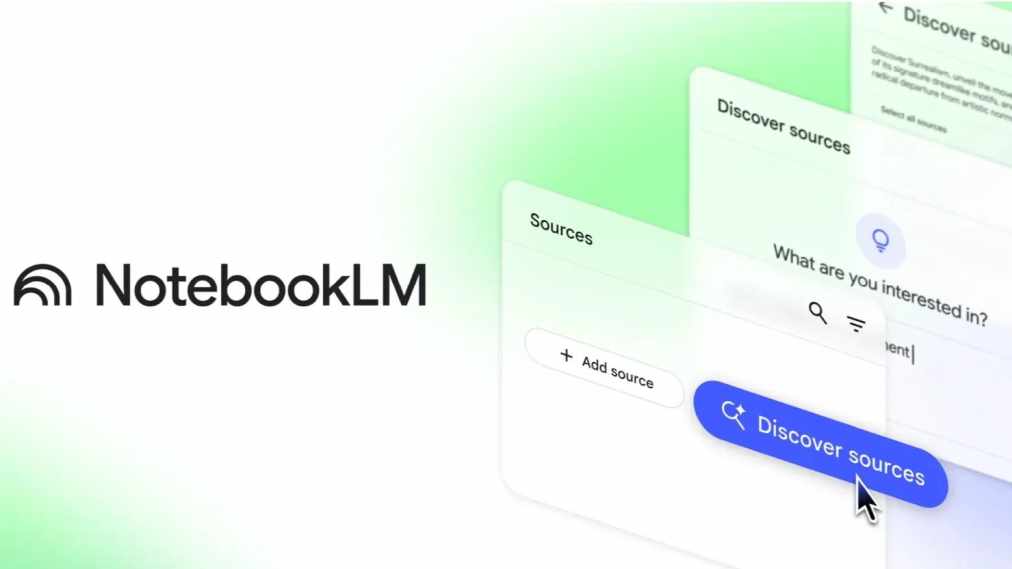
NotebookLM is gaining traction as a specialized research assistant that works on top of your own source material. Instead of searching the open web, teams upload PDFs, reports, web pages, or transcripts, and the system builds a grounded knowledge layer around that data.
For businesses managing large volumes of internal information, this can significantly reduce time spent hunting through documents. The tool can generate summaries, answer questions with citations, and even produce audio-style briefings based on uploaded materials.
Where it fits: internal knowledge bases, research teams, due diligence
Watch out for: effectiveness depends on the quality of uploaded sources
Perplexity AI

Courtesy: Perplexity
Best for: fast, sourced research and market intelligence
Perplexity AI has emerged as a popular alternative to traditional search for many professionals. It combines conversational AI with live web access, delivering direct answers alongside citations that allow users to quickly verify claims.
Businesses are increasingly using Perplexity for competitive scans, market research, trend monitoring, and rapid fact-finding. Its strength lies in speed and source visibility, which helps teams move from question to insight without wading through multiple search results.
Where it fits: competitive research, market scans, quick validation
Watch out for: always verify critical findings from primary sources
Gamma

Best for: rapid presentation and document creation
Gamma focuses on turning rough ideas into polished visual materials with minimal manual formatting. Teams can input notes or prompts and quickly generate slide decks, internal briefs, or lightweight web-style presentations.
For businesses that frequently produce client decks, sales materials, or internal summaries, Gamma can significantly compress production time. It is especially useful in early drafting phases when speed matters more than pixel-perfect design.
Where it fits: sales decks, internal presentations, quick visual documents
Watch out for: final brand polish may still require human design review
Do Anything
Best for: early-stage autonomous task execution and agent experimentation
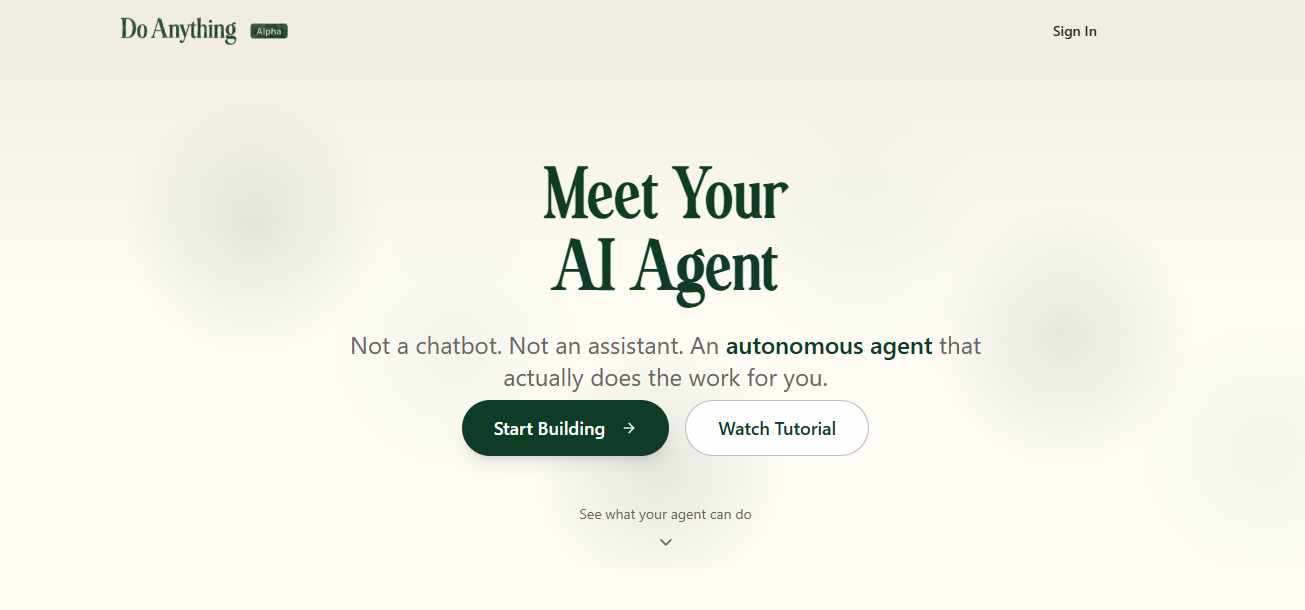
Do Anything represents the emerging wave of agent-style AI platforms that aim to move beyond text generation into real task execution. Instead of simply answering questions, the platform is designed to perform multi-step actions, such as sending emails, gathering information, creating files, and coordinating workflows, based on natural-language instructions.
For businesses exploring the next phase of automation, tools in this category offer a glimpse of how AI agents may eventually handle more end-to-end operational work. Early adopters are experimenting with these systems to reduce manual coordination across routine digital tasks.
Where it fits: experimental automation, agent workflows, forward-looking teams
Watch out for: capabilities are still evolving and typically require close human oversight
The Bottom Line
AI will not run your entire business on autopilot overnight. Human judgment, context, and oversight still matter—especially in customer-facing and high-stakes decisions.
But the direction is clear.
Businesses that thoughtfully integrate AI into routine operations are already seeing faster execution, leaner workflows, and lower administrative overhead. The real opportunity in 2026 is not replacing teams, but freeing them from repetitive work so they can focus on higher-value decisions.
The companies that benefit most from AI over the next few years will be those that adopt it pragmatically, integrate it carefully, and keep humans firmly in the loop when judgment matters most.
Trending Now

Top Tech News Today, March 25, 2026